HubSpot subscription automation overview
A practical overview for automating HubSpot deal cancellation handling across order import and subscription updates.
















































HubSpot subscription automation overview
This guide explains how to sync HubSpot deal updates into Sanka orders and then update related subscriptions with a controlled workflow.
The target outcome is consistent cancellation handling across order import, subscription status, and billing stop timing.
Create a cancellation date property in HubSpot and import it into an order custom property in Sanka.
Use order import as the trigger and update associated subscriptions with mapped and fixed values.
Apply a next-day stop rule so billing remains predictable and explainable.
Setup
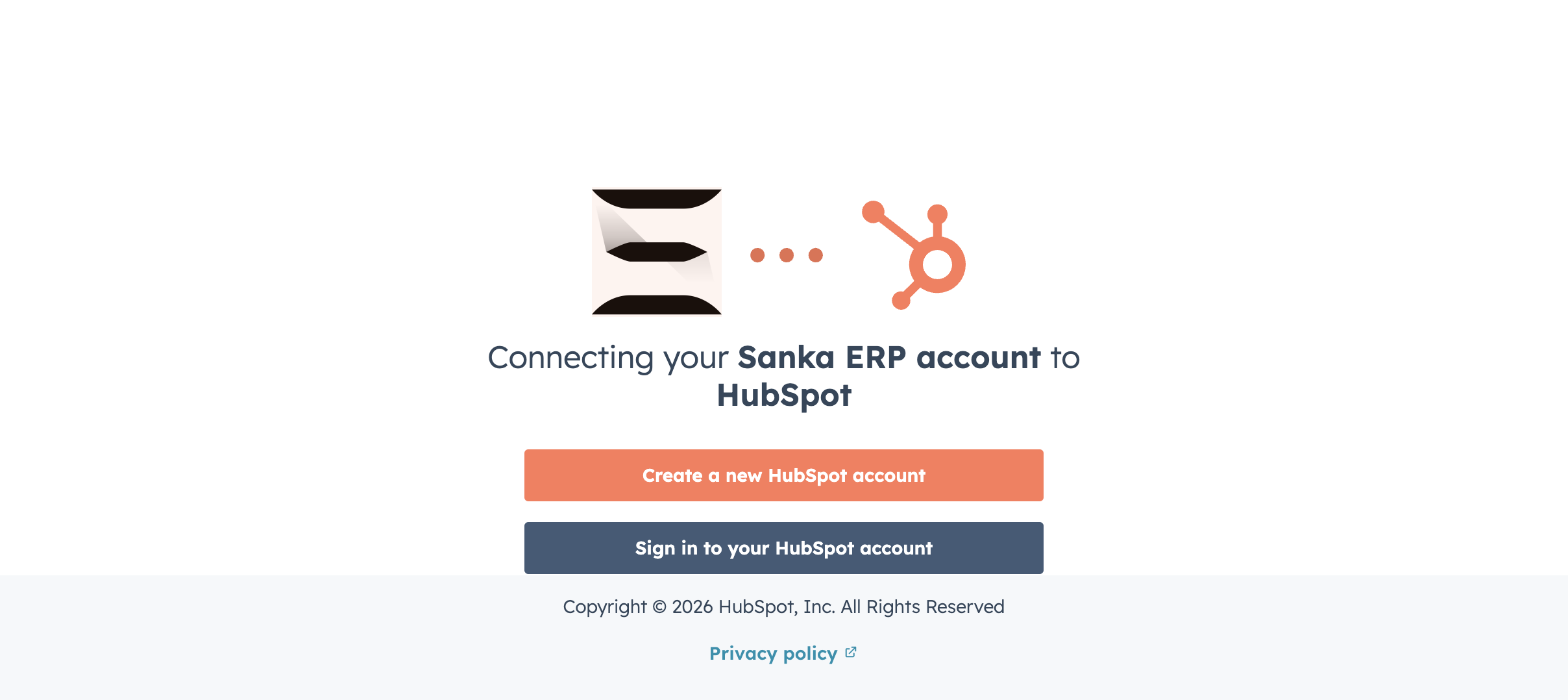
1. Create the cancellation date property in HubSpot Deals
- Object: Deal
- Recommended internal name:
subscription_cancellation_date - Type: Date
- Format:
YYYY-MM-DD
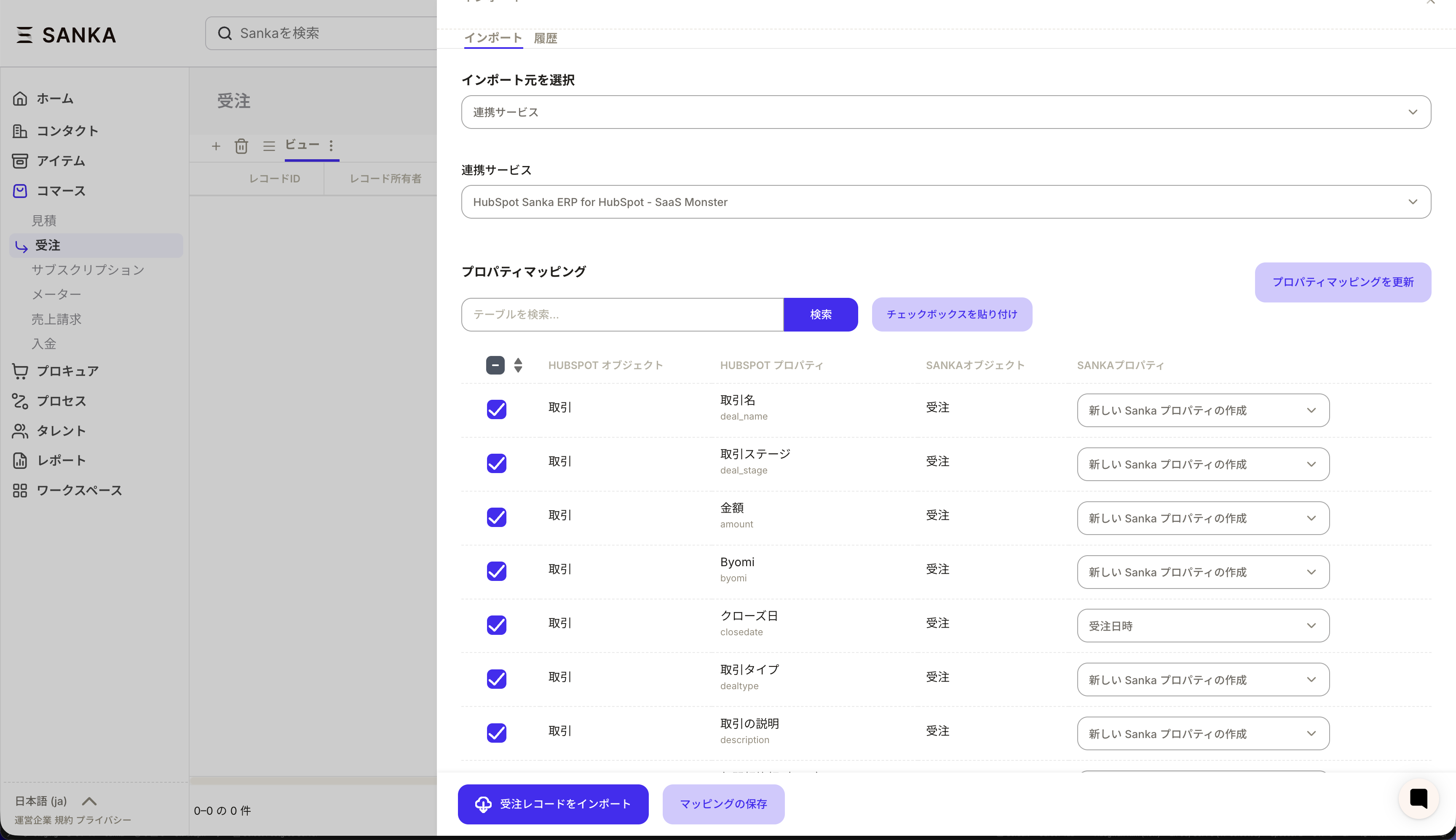
2. Prepare order custom property mapping in Sanka
- Create an order custom property (
date) - Map HubSpot
subscription_cancellation_dateinto that order property - Validate with one test deal before scaling
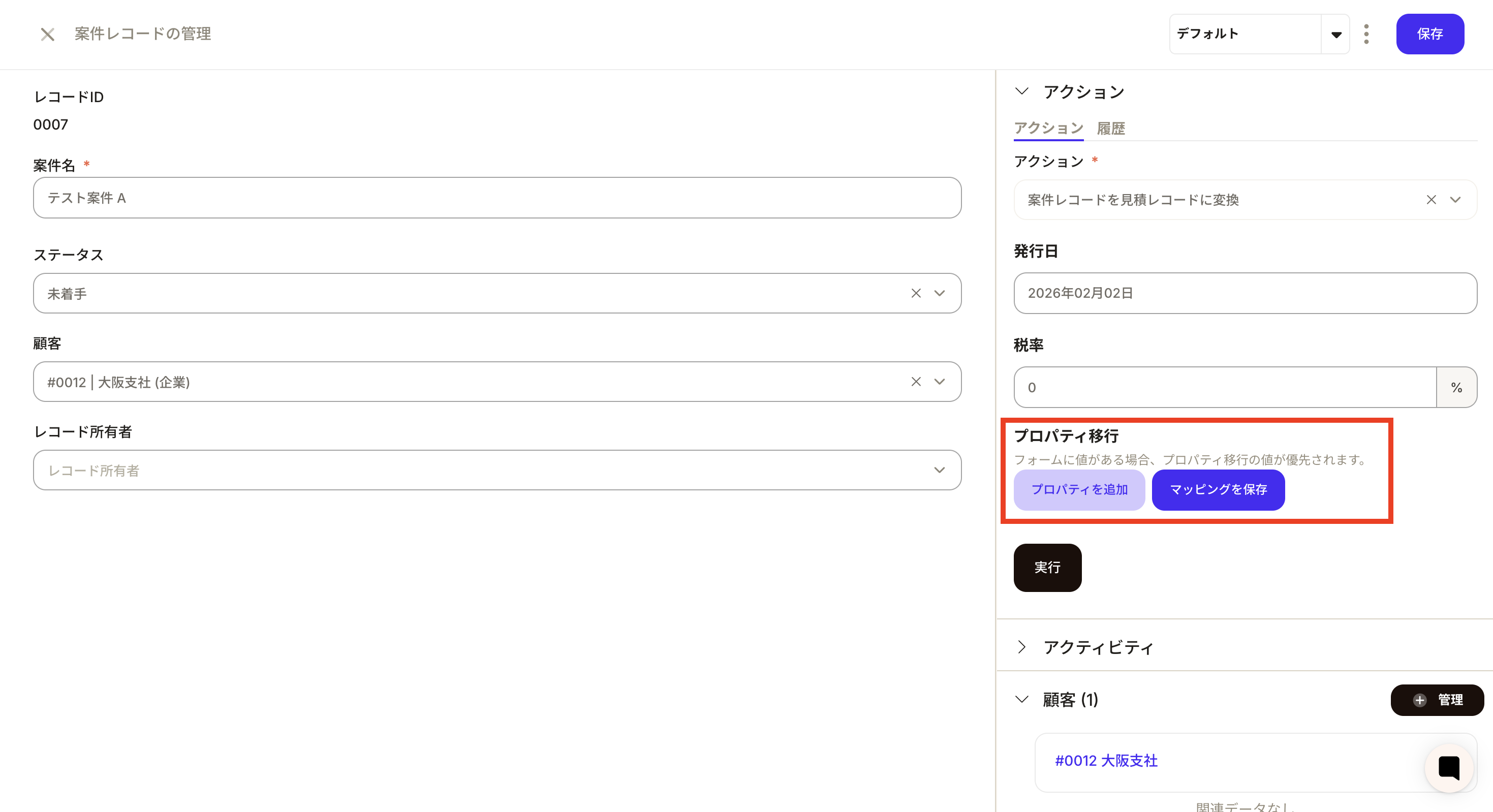
3. Set workflow to update associated subscriptions
- Trigger: order creation/import
- Action: update associated records
- Update values:
subscription_status: fixed valueend_date: mapped from order cancellation date
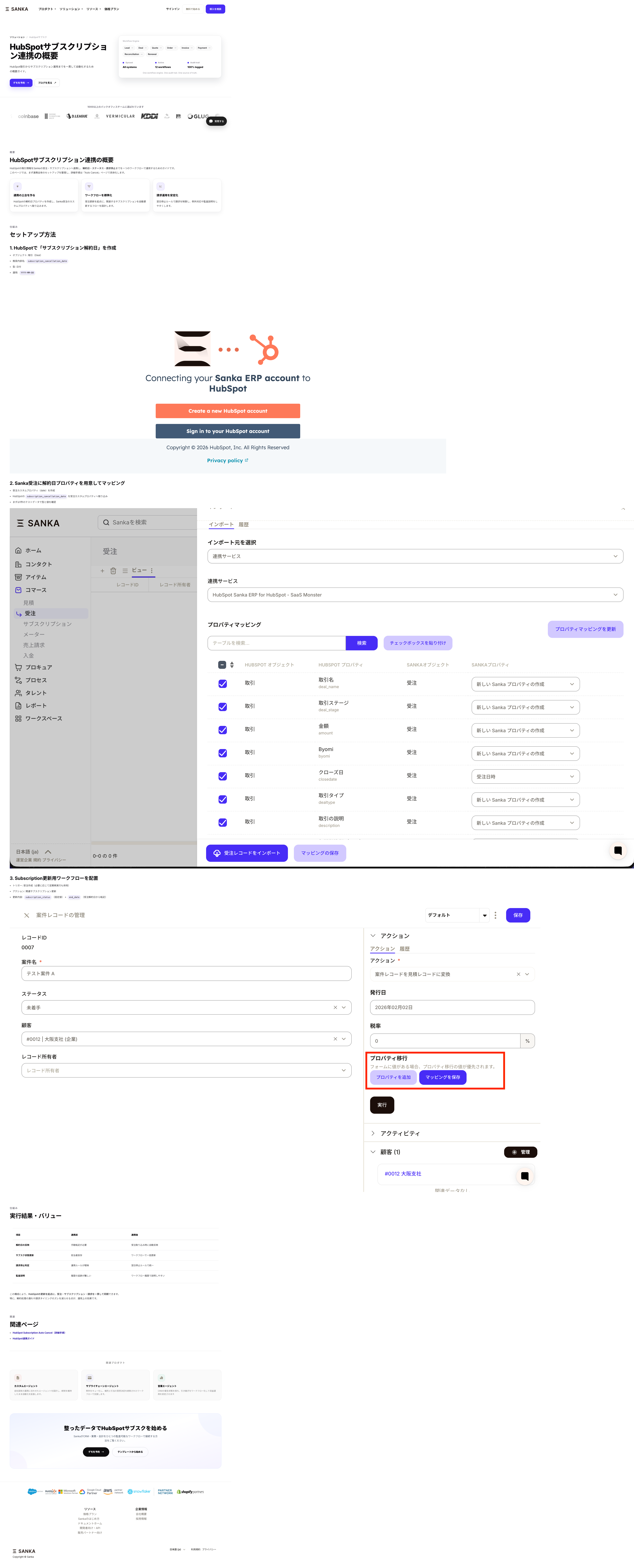
Screenshots
The screenshot below shows the published page rendering captured via agent-browser.
Results and value
| Area | Before | After |
|---|---|---|
| Cancellation date sync | Manual updates | Imported automatically with orders |
| Subscription update | Owner-dependent | Workflow-driven for associated records |
| Billing stop rule | Inconsistent | Standardized with next-day stop |
| Audit explanation | Hard to trace | Clear workflow execution history |
This setup lets HubSpot changes flow through order import and subscription updates without manual handoffs.